GlanceRF

A modern rebuild of the original HamClock by Elwood WB0OEW. Real-time clocks, maps, weather, countdown, and more—in a configurable grid. Run as a desktop window or headless in the browser. It runs on any hardware: Windows, Linux, macOS, Raspberry Pi, or in Docker.

Thoughts go to Elwood; thank you for the project that so many use and that inspired this rebuild.

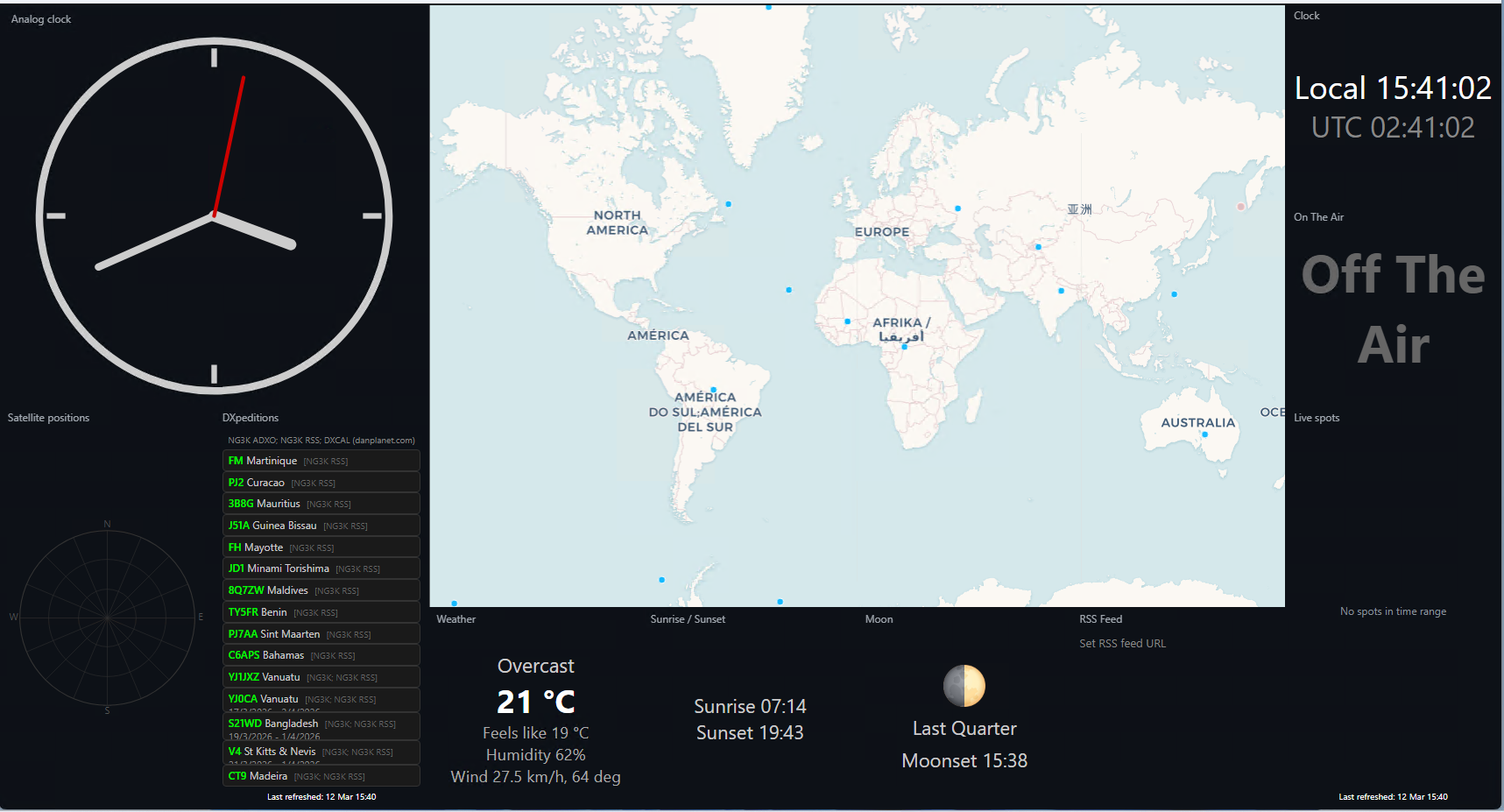
Main dashboard

How do I install?

Download for Windows, run one command for Linux/Mac, or use Docker. Follow the prompts. Done.

Quick & Easy – Get the installer Docker

Screenshots

Main dashboard
Main dashboard (click to open)
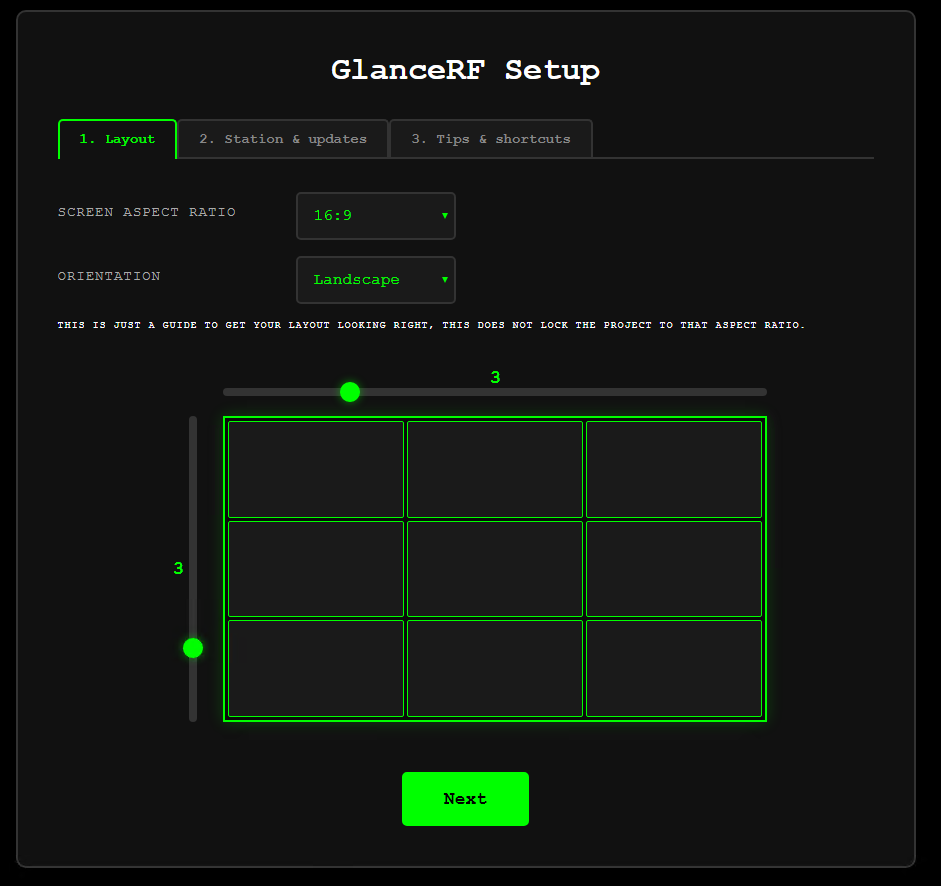
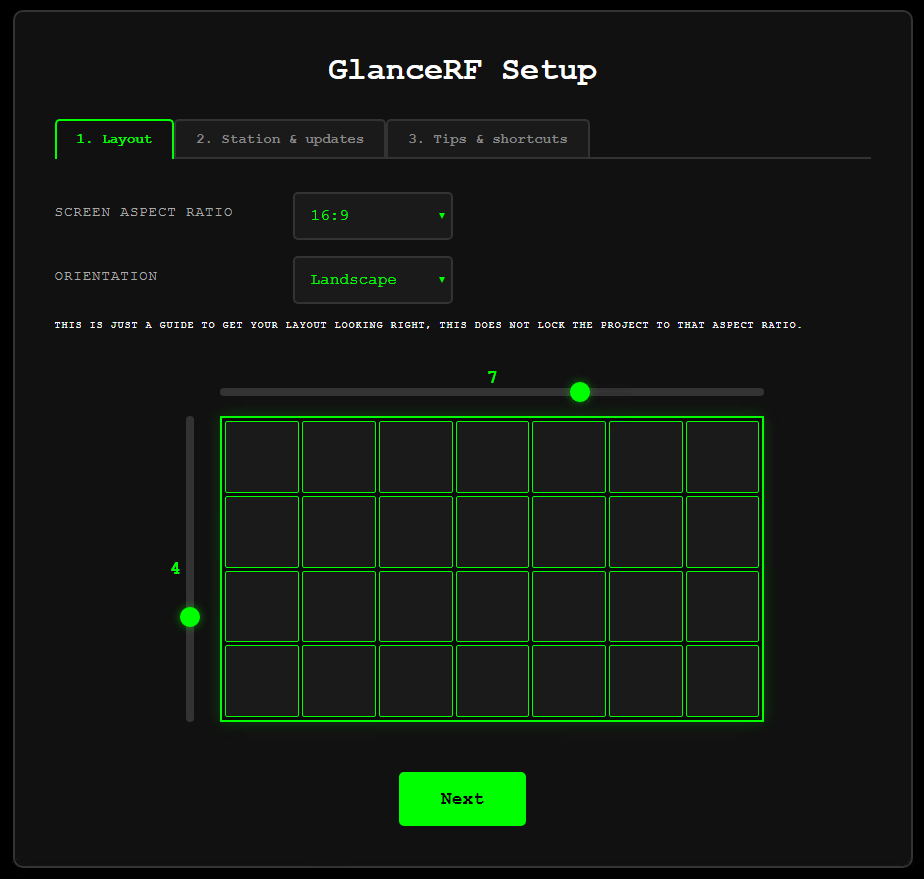
Setup page 1 – Layout
Setup – Layout (click to open)
Setup page 2 – Station & updates
Setup – Station & updates (click to open)
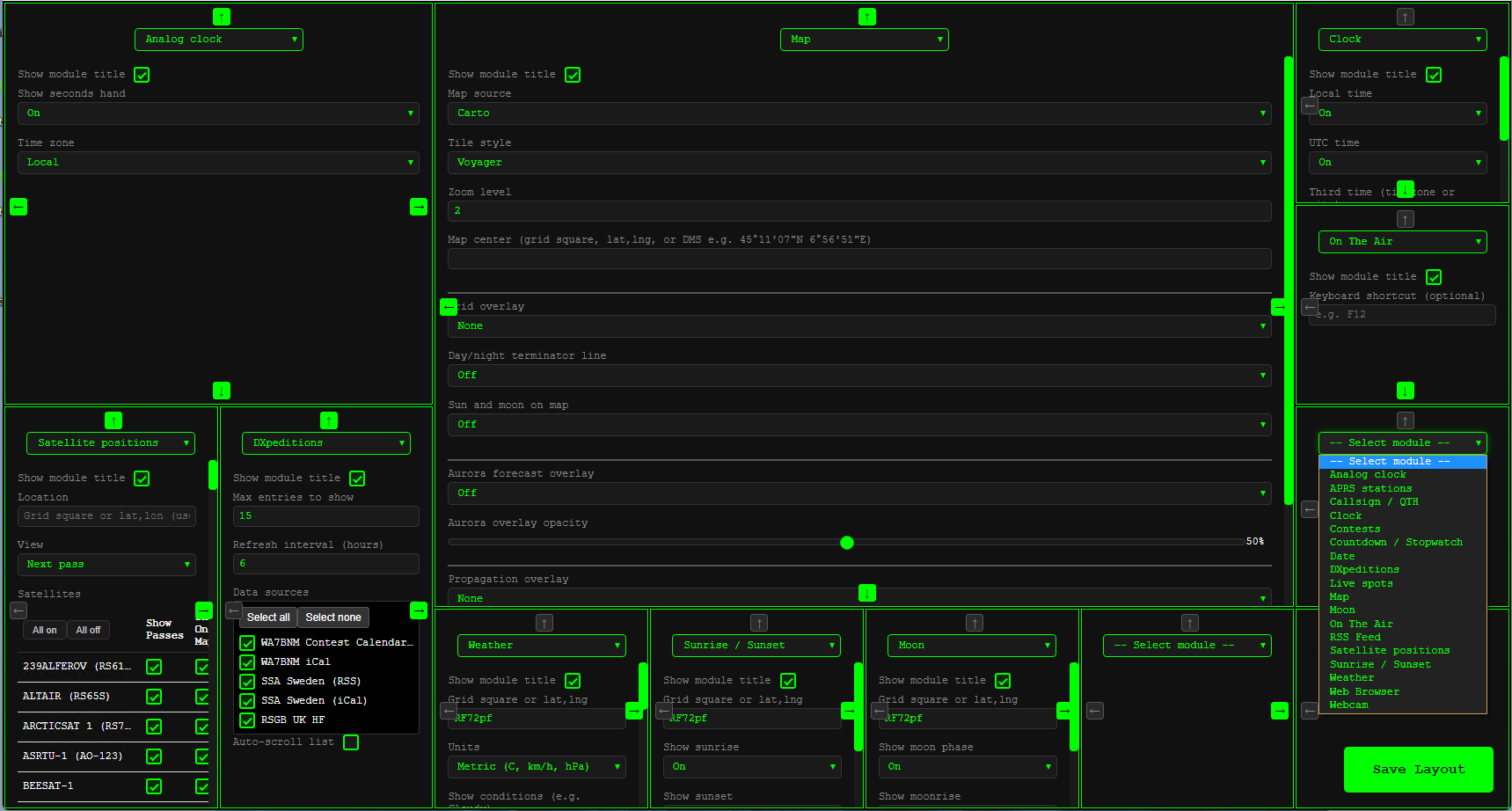
Layout editor
Layout editor (click to open)
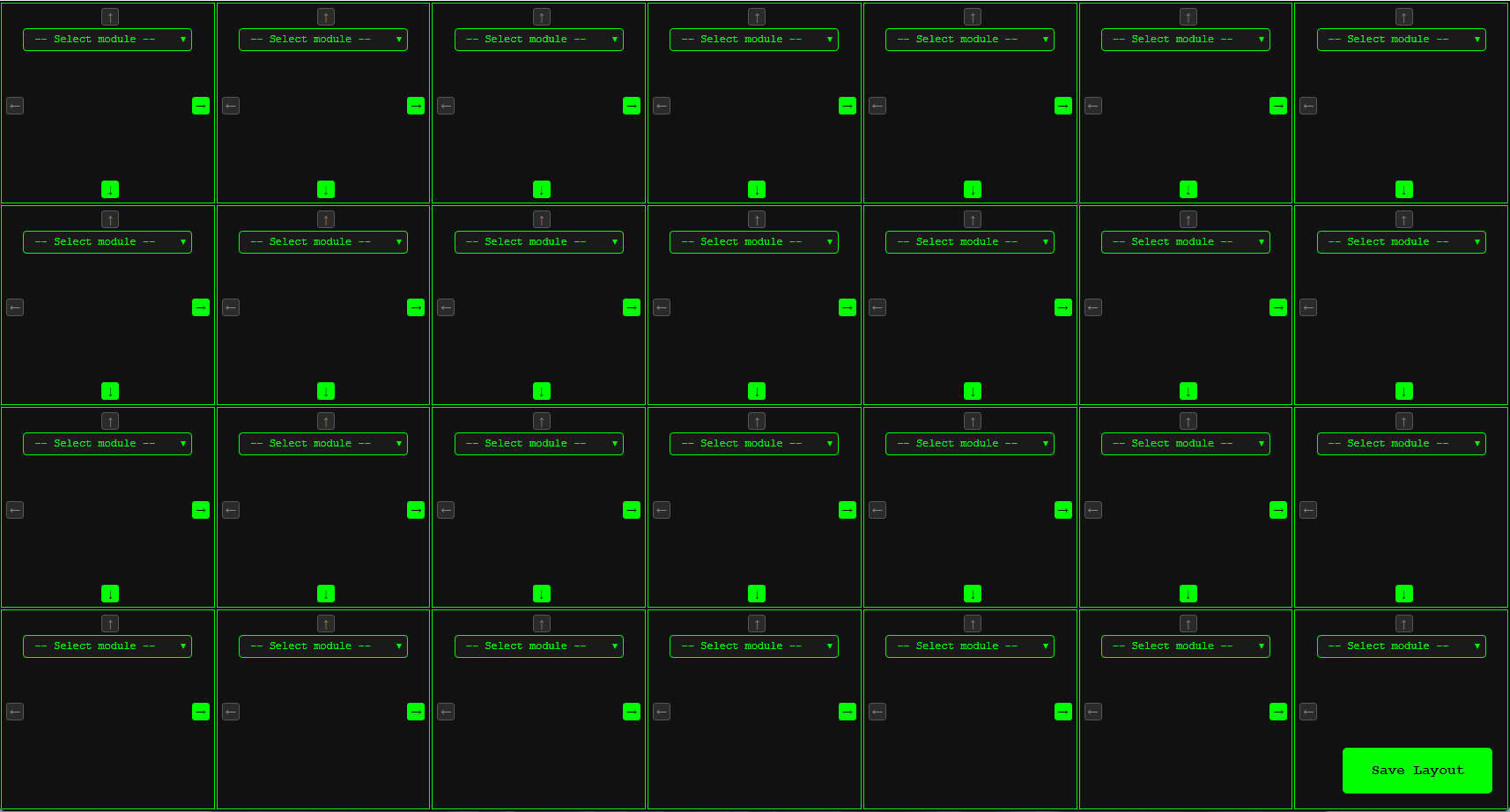
Blank layout editor
Blank layout editor (click to open)
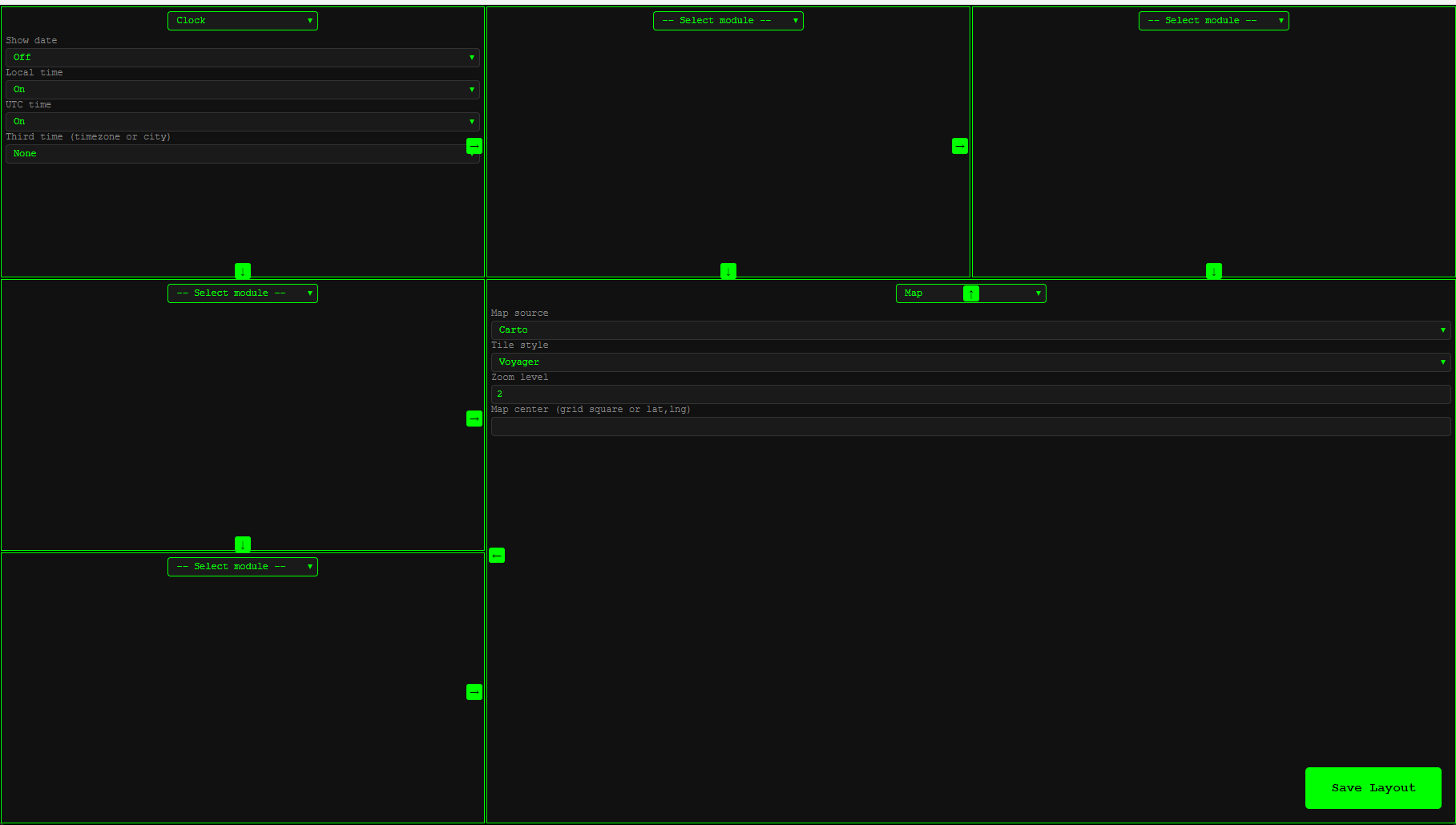
Layout with expanded cell
Layout expanded (click to open)

Installation (4 methods)

There are four ways to install GlanceRF:

1

Core installer (easiest) — Download a small installer; it fetches the latest code and runs the full installer.

  • Windows: GlanceRF-Install-Windows.exe — double-click to run
  • Linux: curl -sSL https://glancerf.zl4st.com/installers/GlanceRF-install-Linux.sh | bash
  • macOS: curl -sSL https://glancerf.zl4st.com/installers/GlanceRF-install-Mac.sh | bash
2

GitHub + installer — Download the GitHub ZIP, extract it, then run the installer from Project/installers:

  • Windows: Double-click installers\install-windows.bat
  • Linux: chmod +x installers/install-linux.sh then ./installers/install-linux.sh
  • macOS: chmod +x installers/install-mac.sh then ./installers/install-mac.sh
3

Manual — Download from GitHub, extract, then from the Project folder:

pip install -r requirements/requirements-linux.txt
python run.py

macOS: requirements-mac.txt. Windows: requirements-windows.txt or requirements-windows-desktop.txt for desktop.

4

Docker — Run the image from Docker Hub:

docker run -p 8080:8080 pomtom44/glancerf

Then open http://localhost:8080. Runs headless (server only). See DOCKER.md for options and config persistence.

Follow the setup in the app window or in a browser (if headless). Open http://localhost:8080 for web access. Press M anytime to open the menu (Setup, Layout editor, Modules, Updates).
Configuration is stored in glancerf_config.json in the same folder as run.py.

Documentation

Full docs are in the GitHub repo:

  • User guide – First run, setup, menu, layout, run at logon
  • Installation – Windows, Linux, macOS, Docker
  • Configuration – Config keys, environment variables
  • Modules – Available modules, map overlays
  • Debugging – Log levels, APRS debug, troubleshooting
  • Telemetry – What is collected and how to opt out

Run Modes

Set via desktop_mode in config or installers.

  • Desktop – Native window with embedded browser. Console hidden on Windows.
  • Browser – Terminal + browser. Server runs in terminal; opens default browser.
  • Terminal – Terminal only. No automatic browser.
  • Headless – Server only. Use as Windows service, systemd, or launchd. Tray icon for quick access.

Features

  • Modes — Desktop app, browser+terminal, terminal only, or service (headless). Read-only port for public displays.
  • Layout — Any grid size, any monitor; modules resize to fit (no scrollbars). Choose which modules go where and resize or expand cells.
  • Built-in modules — Clock (local, UTC, international), analog clock, date, map (multiple tile sources; optional grid, day/night terminator, sun & moon, aurora overlay), weather, sunrise/sunset, moon phase, RSS feed, countdown/stopwatch, callsign/QTH, GPS, APRS. Custom modules in glancerf/modules/_custom/ survive updates.
  • Web interface — Full UI in the browser; WebSocket updates without page reloads.

Technology

Python 3.8 or higher. FastAPI and WebSockets. Config in glancerf_config.json. Install dependencies with requirements-linux.txt, requirements-mac.txt, requirements-windows.txt, or requirements-windows-desktop.txt (PyQt5/PyQtWebEngine for Windows desktop).

Python FastAPI WebSocket PyQt Uvicorn

Feature requests & Bugs

See FEATURE_REQUESTS.md for the list. Open an Issue on GitHub. No GitHub account? Email GlanceRF@zl4st.com.

About

From the original HamClock

GlanceRF is a modern rebuild of the original HamClock by Elwood WB0OEW. Thoughts go to Elwood; thank you for the project that so many use and that inspired this rebuild.

Built for flexibility

Run it as a desktop window or server-only. Use it on a Raspberry Pi, your daily machine, or a wall-mounted display. Configuration is stored in glancerf_config.json.

Open source

GlanceRF is open source. The code is on GitHub; you can use it, modify it, and contribute. See the repo for the license and how to get involved.